What Is Virtualization? One Computer, Multiple Worlds
Technology | Explainer | November 22, 2026

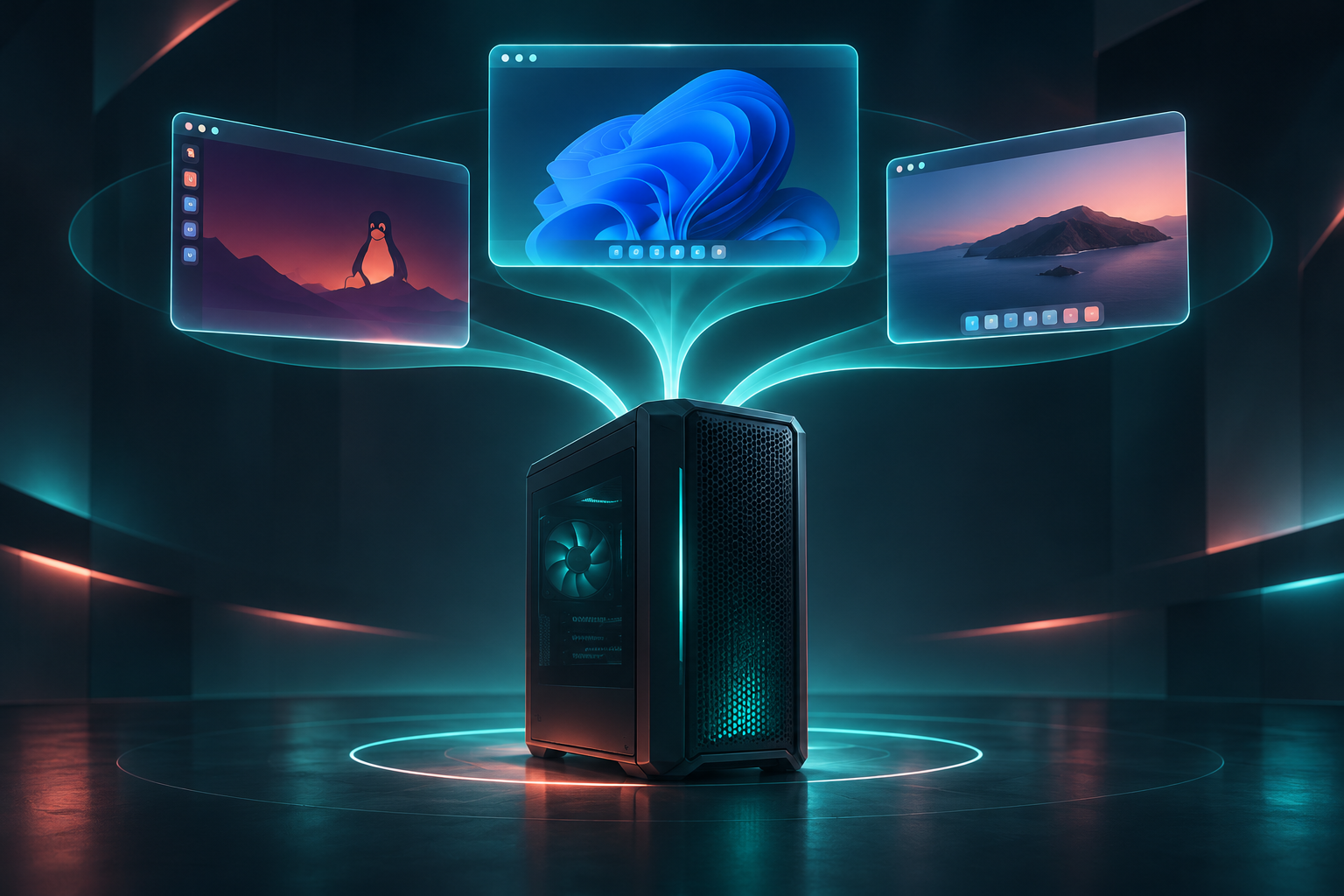
Illustration: One physical computer can support several virtual computers. AI-generated image; illustrative, not a technical diagram.
Imagine being able to use three different computers without buying three separate machines. One could be used for work, another for testing software, and a third for experimenting with a different operating system. All three could exist inside a single physical computer. This is the basic idea behind virtualization.
What does virtualization mean?
Normally, we think of a computer as a single machine running a single operating system. Virtualization changes that relationship. With specialized software, one physical computer can create several virtual machines — digital environments that function much like independent computers.
As IBM explains in its article What Is Virtualization?, the technology works by “dividing a single system’s components such as processors, memory, networks and storage into multiple virtual machines (VMs).” [1]
Each virtual machine can run its own operating system and applications, even though all of them share the same physical hardware. In simple terms, the computer's resources are divided between several virtual computers, rather than being reserved for only one.
Think of a computer as an apartment building
A useful analogy is an apartment building. The building is one physical structure, but it contains several separate apartments. Each apartment has its own occupants and activities, while everyone shares the same building.
Virtualization works in a similar way. The physical computer is the building, and the virtual machines are the apartments. They operate separately while sharing the computer's processing power, memory and storage. The comparison is not perfect — virtual machines still depend on the capacity of the same hardware — but it makes the concept easier to picture.
What does this look like in practice?
Imagine a student who normally uses Windows but needs to try a program that runs on Linux. Instead of buying another computer or replacing Windows, the student can create a Linux virtual machine and use it inside the existing computer. The two operating systems can run on the same device, provided it has enough resources.
Businesses use the same principle on a larger scale. A powerful physical server can host multiple virtual machines, each serving a different purpose. IBM notes that virtualization is also a key technology behind cloud computing, helping providers share and manage computing resources. [1]
One machine, several possibilities
Virtualization does not magically create more processing power. It allows existing hardware to be shared and organized differently. That simple change helps explain why the technology has become so important: computers no longer have to be limited to a single computing environment.
The next time someone talks about a virtual machine, think of a computer within a computer — not a second physical box, but a separate digital environment made possible by software.
Sources
[1] Stephanie Susnjara and Ian Smalley, “What Is Virtualization?”, IBM Think. https://www.ibm.com/think/topics/virtualization (accessed November 22, 2026). Direct quotation appears in the opening definition section; the article's discussion of virtual machines and cloud computing informs the explanation above.
Image credit: AI-generated illustration created for this article. It is a conceptual illustration, not a screenshot or an IBM image.